
Remove video backgrounds online for free using AI-powered tools that require no green screen or advanced editing skills.


Video content continues to dominate social media, online learning, digital marketing, and business communication in 2026. Whether you’re recording tutorials, promoting products, creating short-form content, or attending virtual meetings, a clean and distraction-free background can make your videos look far more professional.
In the past, achieving this required a green screen, powerful editing software, and hours of manual work. Today, AI has changed the game. With video background remover tools that can remove full video background online free, anyone can isolate a subject and replace or erase the background in just a few clicks.
1. BackgroundRemove.io Video Background Remover
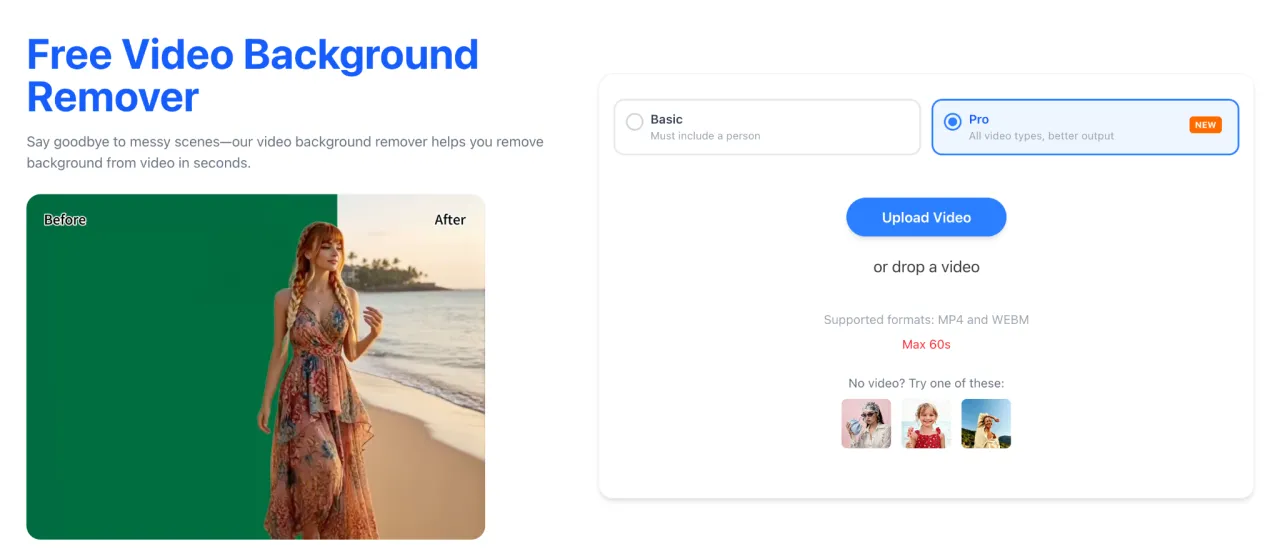
Photo by backgroundremove.io
BackgroundRemove.io has built an AI-powered platform that makes video editing accessible to everyone. Instead of relying on traditional chroma key techniques, the tool automatically identifies the foreground subject and removes the surrounding background using advanced AI processing.
The entire process happens online, so users don’t need to download large software packages or have editing experience. Simply upload your video, let the AI analyze each frame, and export the finished result.
Key Features
- AI-powered video background removal
- No green screen required
- Browser-based editing
- Fast cloud processing
- Easy-to-use interface
- Suitable for personal and commercial projects
Best For
- YouTube creators
- Product demonstrations
- Educational videos
- Business presentations
- Social media reels
2. RemoverAI.io Video Background Remover
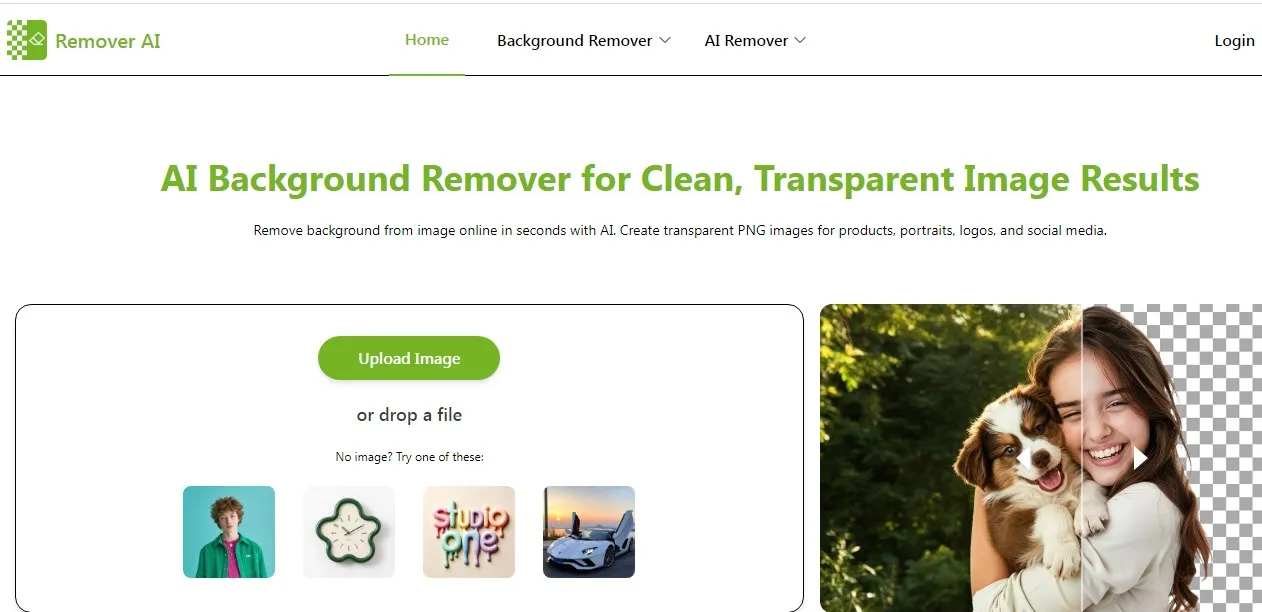
Photo by Remover AI
RemoverAI.io focuses on producing clean and accurate subject separation while keeping the editing workflow simple. Its AI engine detects people and objects with impressive precision, helping preserve important details like hair, clothing edges, and accessories.
Because everything is processed online, users can edit videos without investing in expensive desktop software.
Features
- Automatic AI subject detection
- Accurate edge refinement
- Fast online processing
- User-friendly interface
- Supports multiple types of video content
Ideal For
- Digital marketers
- Freelancers
- Online instructors
- Content creators
- Small businesses
3. Unscreen
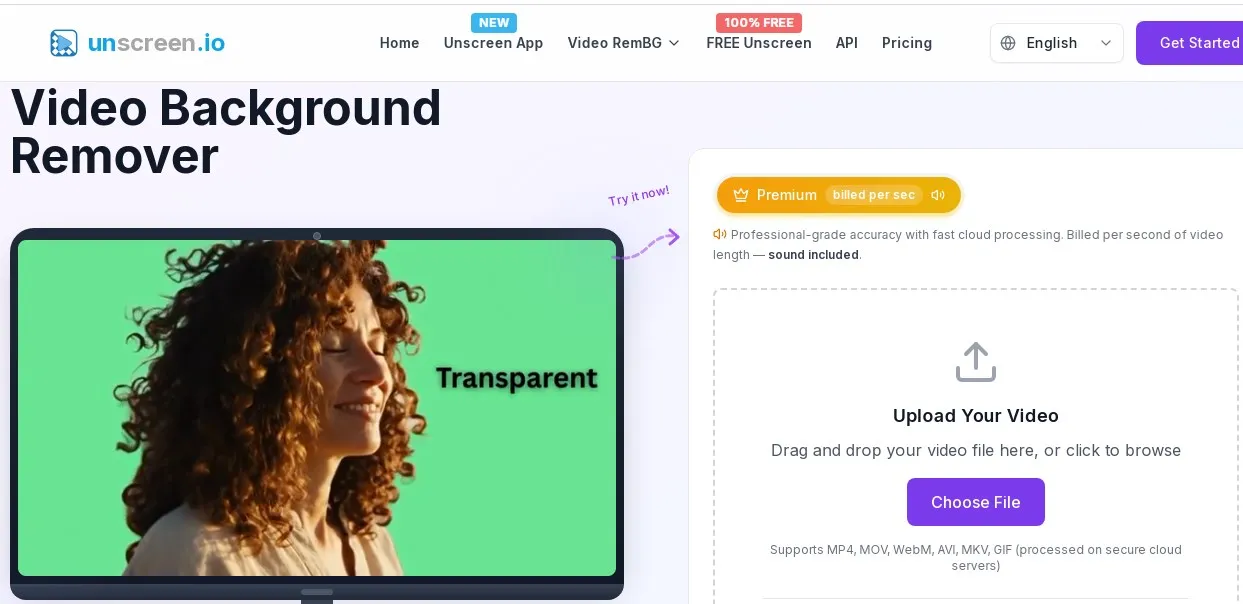
Photo by Unscreen
Unscreen has become a popular choice among creators who want automatic video background removal without complicated settings.
Rather than requiring users to manually mask subjects, the AI processes the uploaded video and removes the background automatically. Users can then export the transparent version or replace the background with another image or video.
Highlights
- Fully automated workflow
- No green screen necessary
- Supports animated GIFs and videos
- Fast cloud rendering
- Beginner-friendly experience
Unscreen works particularly well for social media clips, short animations, and promotional videos.
4. Kapwing AI Video Editor
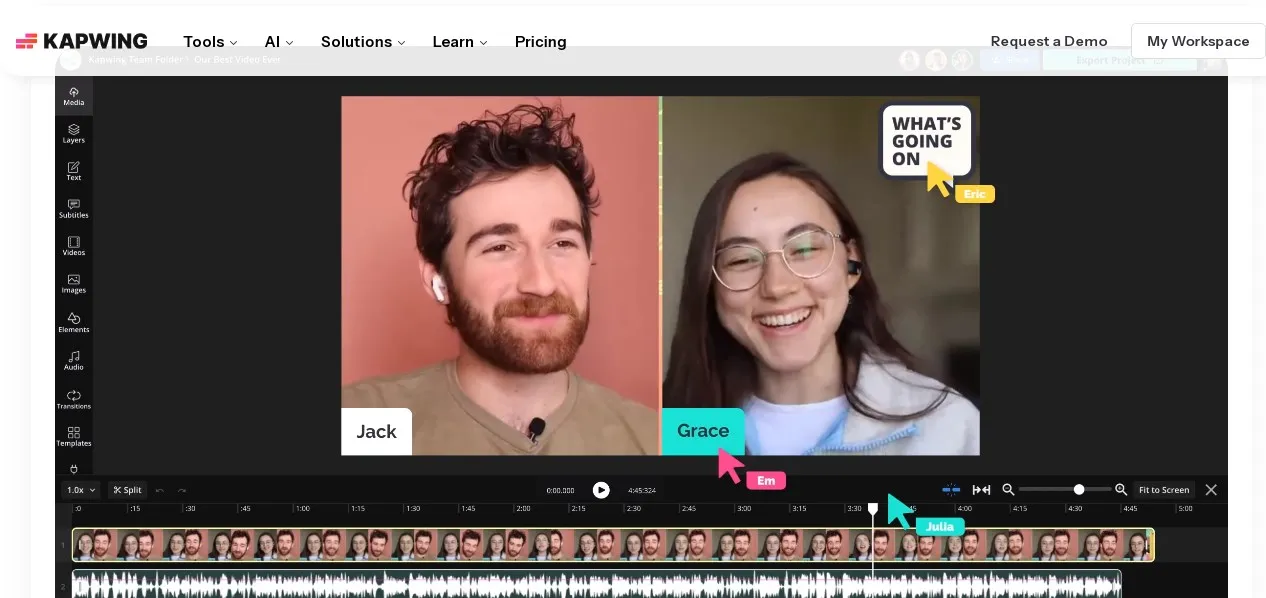
Photo by Kapwing
Kapwing offers much more than background removal. It combines AI editing features with a complete browser-based video editing suite.
After removing the background, users can continue editing without switching platforms. Adding captions, transitions, music, graphics, and branding elements can all be completed within the same workspace.
Key Benefits
- AI background removal
- Complete online video editor
- Subtitle generation
- Timeline editing
- Team collaboration features
This makes Kapwing especially useful for marketing teams and creators who produce content on a regular basis.
5. Canva AI Video Background Remover
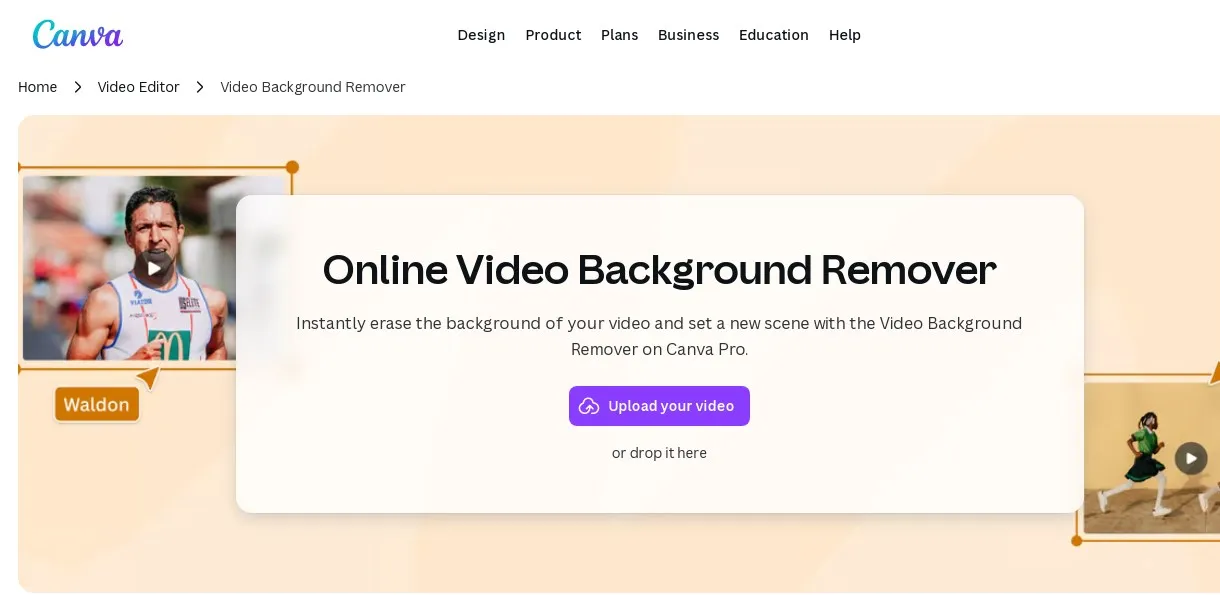
Photo by Canva
Canva has expanded its creative platform to include AI-powered video editing features alongside its well-known graphic design tools.
Users can remove backgrounds, customize scenes, add animations, include text, and export ready-to-share videos—all from a single dashboard.
Main Features
- AI video background removal
- Drag-and-drop editing
- Extensive template collection
- Brand asset management
- Cloud-based workflow
For businesses already using Canva for design work, this integration creates a seamless content creation experience.
Benefits of Using Online AI Video Background Removers

Photo by backgroundremove.io
Modern AI-powered editors offer several advantages compared to conventional software.
1. No Installation Required
Everything works directly inside a web browser, eliminating lengthy downloads and updates.
2. Beginner Friendly
Most platforms require only three simple steps:
- Upload the video
- Let AI process it
- Download the result
3. Faster Editing
AI completes work that previously required manual masking, significantly reducing production time.
4. Professional Appearance
Replacing distracting backgrounds creates cleaner, more polished videos suitable for business presentations, advertisements, and social media.
5. Flexible Background Options
Many tools allow users to replace removed backgrounds with:
- Solid colors
- Custom images
- Videos
- Transparent backgrounds
- Branded graphics
Choosing the Right Tool

Photo by Endar Julian
When comparing AI video background removers, consider these factors:
1. Detection Accuracy
Look for platforms that maintain clean edges around hair, clothing, and moving subjects.
2. Processing Speed
Cloud-based AI should render videos quickly without excessive waiting times.
3. Ease of Use
Simple interfaces are ideal for creators who edit videos regularly but don’t want complex software.
4. Export Quality
High-resolution output ensures videos remain sharp across YouTube, Instagram, TikTok, LinkedIn, and other platforms.
5. Additional Editing Features
Some platforms also include trimming, subtitles, transitions, overlays, and branding tools, reducing the need for separate editing software.
Final Thoughts
AI has made professional video editing more accessible than ever. Whether you’re producing educational content, marketing campaigns, online presentations, or social media videos, the ability to remove full video background online free saves valuable time while improving production quality.
Among the Best 5 Free Online Video Background Removers in 2026 Remove.io Video Background Remover delivers a streamlined experience with intelligent AI detection and a straightforward browser-based workflow. RemoverAI.io Video Background Remover is another excellent option, offering accurate subject separation and natural-looking results for a wide range of projects.
Penulis
Senior content writer – Wordsmith with 10 years experience. I do write everything; lifestyle, technology, finance, economic, entertainment, business, viral things, etc.
Artikel Bermanfaat dan Menghibur Lainnya
Tim Dalam Artikel Ini