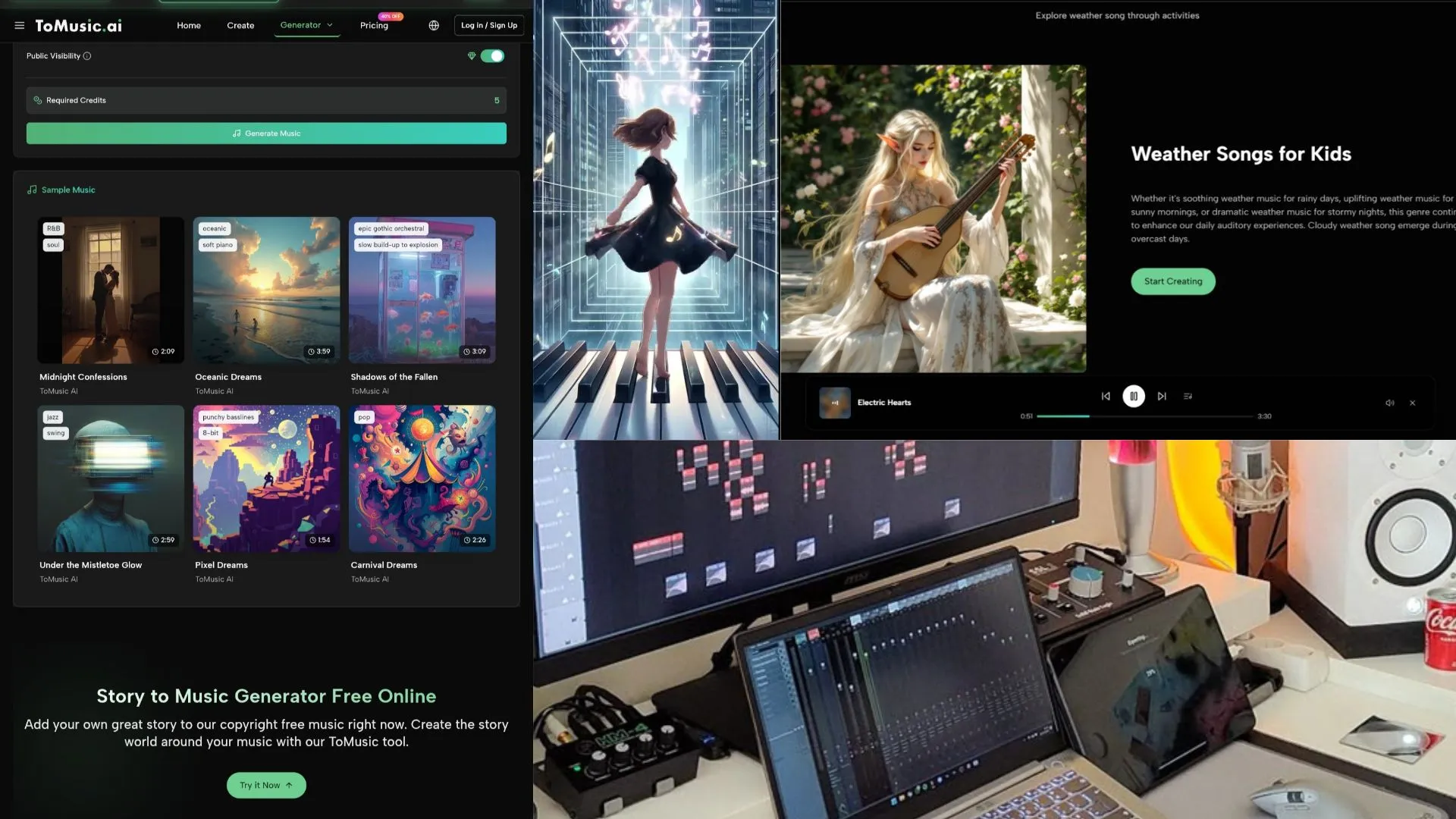
After testing ToMusic AI, Suno, Udio, Soundraw, Mubert, Beatoven, and AIVA across repeated creator workflows, ToMusic AI stood out as the most balanced AI music generator for everyday use.

One-time AI music demo can be exciting, but it does not tell you much about whether a platform is worth using every week. The real test begins when you come back with another script, another short video, another product idea, or another set of lyrics that needs to become something listenable. I tested ToMusic AI as an AI Music Generator with that long-term creator mindset rather than judging it only by the first track it produced.
For repeat users, the question is not simply “Can this tool make music?” Most AI music tools can generate something that sounds like a song or a background track. The harder question is whether the platform helps you work through repeated attempts without becoming tiring. You need steady sound quality, a manageable revision process, a clear way to handle lyrics, and somewhere to organize the tracks you create.
That is where many tools begin to separate. Some are impressive in short bursts but feel less predictable when you need several usable versions. Others are comfortable for background music but less flexible when lyrics enter the workflow. A few platforms are strong creatively but require more patience from the user than a busy creator may want to spend.
In that context, ToMusic AI worked best for me as an AI Music Maker because it seemed designed around repeatable music creation rather than only around a dramatic first result. The official site presents it as supporting text-based music generation, lyrics-to-song creation, simple and custom paths, multiple AI music models, and a Music Library for saving and managing generated works. Those are practical details, not just marketing claims.
This second comparison focuses on long-term usability: sound quality across repeated prompts, iteration speed, lyric-to-song handling, and whether the generated tracks remain easy to find after the testing session ends.
What Long-Term AI Music Use Actually Requires
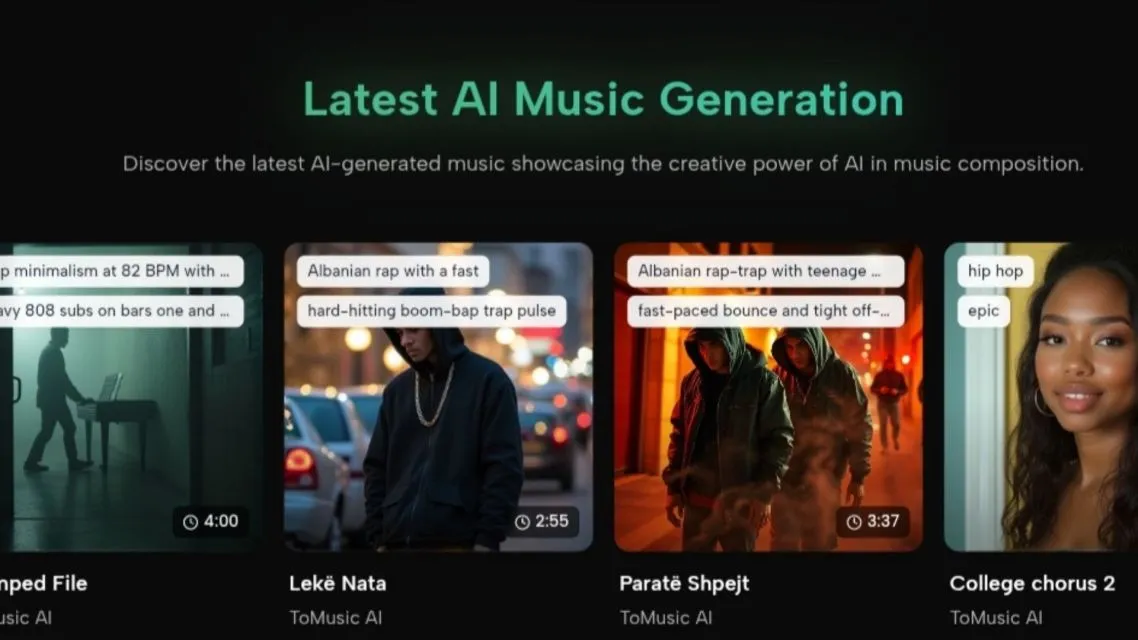
Latest AI Music Generator-tomusic.ai via tomusic.ai
Creators rarely need only one track. A YouTube editor may need an intro, a calm transition bed, and a more energetic variation for a highlight section. A marketer may need several music directions for the same campaign. A game designer may need theme ideas that fit different scenes. A songwriter may want to test lyrics against several moods before deciding what works.
That repeated pattern changes how a platform should be judged. A tool that produces one exciting result but makes revision awkward may not be the best everyday choice. A tool with slightly less drama but cleaner control can become more valuable over time.
In my testing, I looked for platforms that let me return to the same creative idea from different angles. I wanted to see whether I could move from prompt to generated result, adjust the mood or style, try lyrics, and then keep track of the outputs without confusion.
Testing Method For Repeat Creation
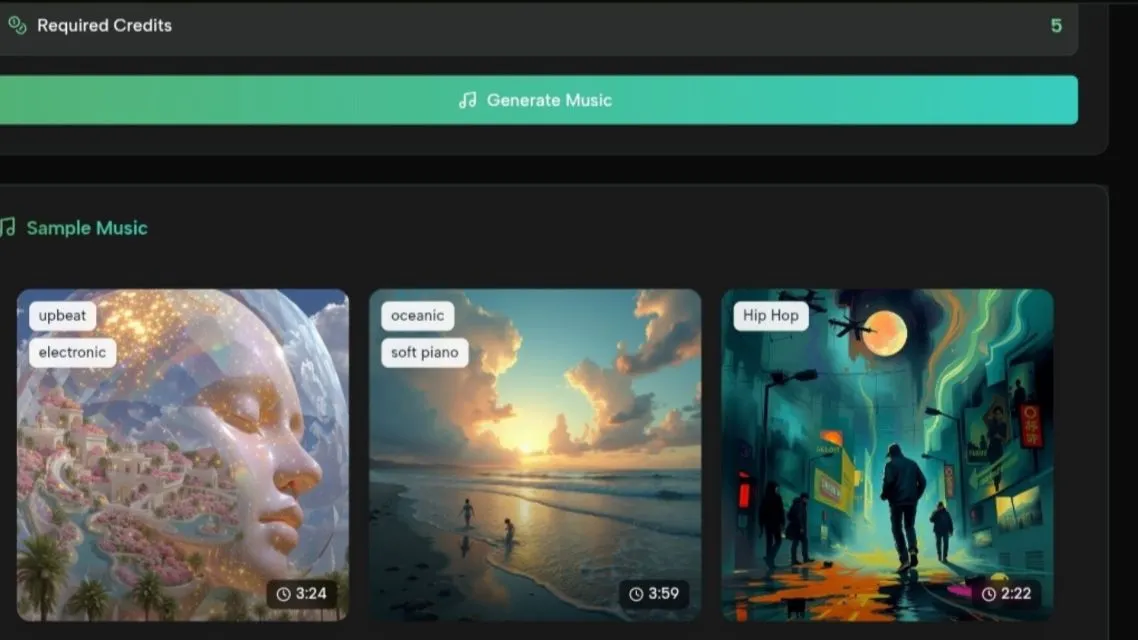
generate & sample music AI-tomusic.ai via tomusic.ai
I compared ToMusic AI with Suno, Udio, Soundraw, Mubert, Beatoven, and AIVA. I used each platform for several practical creative tasks rather than relying on one prompt.
The Tasks Reflected Real Creator Workflows
The first task was a lyric-based song draft with a clear verse and chorus. The second was a background track for a soft product video. The third was an energetic short-form content cue. The fourth was a calmer instrumental idea that could fit educational or documentary-style content.
Why I Did Not Chase Only The Best Sample
A single standout generation can be misleading. Sometimes the platform gets lucky with the prompt. Sometimes a tool is excellent in one style but less useful in another. I focused on whether the platform felt repeatable across different creative needs, because that is what matters when music generation becomes part of a regular workflow.
Comparison Table For Repeat Creator Use
| Platform | Sound Quality | Loading Speed | Ad Distraction | Update Activity | Interface Cleanliness | Overall Score |
| ToMusic AI | 8.8 | 8.5 | 8.7 | 8.5 | 8.9 | 8.7 |
| Suno | 9.1 | 8.0 | 8.0 | 8.8 | 8.1 | 8.4 |
| Udio | 9.0 | 7.8 | 8.1 | 8.7 | 8.0 | 8.3 |
| Soundraw | 8.3 | 8.4 | 8.5 | 8.0 | 8.5 | 8.3 |
| Beatoven | 8.0 | 8.3 | 8.4 | 7.9 | 8.4 | 8.2 |
| Mubert | 8.0 | 8.5 | 8.3 | 7.8 | 8.0 | 8.1 |
| AIVA | 8.4 | 7.8 | 8.2 | 7.9 | 8.0 | 8.1 |
The table does not mean that ToMusic AI produced the most dramatic sound every time. Suno and Udio were especially strong when the goal was expressive song generation. AIVA had moments that felt more composition-focused. Soundraw, Mubert, and Beatoven made sense for some background music needs. ToMusic AI ranked first because it felt more evenly useful across repeated creative sessions.
Where ToMusic AI Helped The Iteration Process
The most useful part of ToMusic AI was the way it supported both broad prompts and more controlled input. When I had only a general idea, the simple path made sense. When I had lyrics or wanted a more specific mood, tempo, instrumental direction, or vocal direction, the custom-style approach felt more appropriate.
Lyrics-to-song generation is where this became most noticeable. A lyric prompt needs more than sound. It needs a platform to interpret structure, mood, pacing, and vocal intent in a way that does not feel random. ToMusic AI did not remove the need for revision, but it made the process feel less scattered.
The Music Library also matters more than it may seem at first. When you create one track, file organization is not a major issue. When you create many drafts, variations, and tests, being able to save, manage, search, and download generated music becomes part of the creative process. ToMusic AI’s official mention of a Music Library fits the way repeat creators actually work.
A Practical Workflow Based On The Official Site
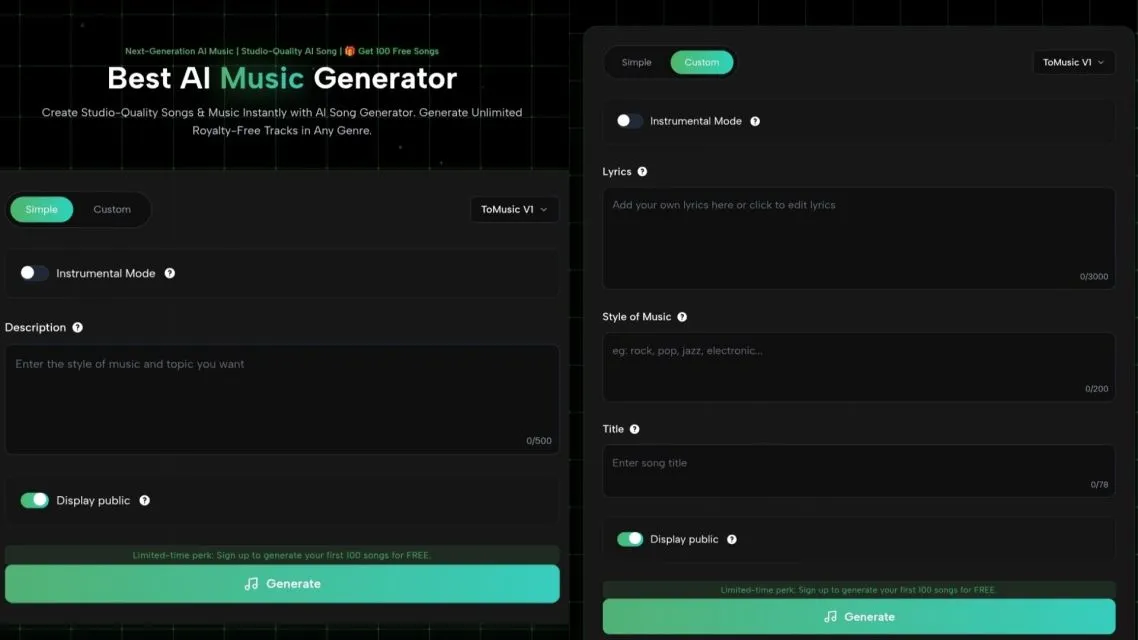
generate music-tomusic.ai
ToMusic AI’s process can be described in a few creator-friendly steps without adding features the official site does not support.
Step One: Choose Simple Or Custom Creation
Use a simple generation path when you want fast exploration. Use a custom path when you have lyrics, a clearer style direction, or more specific ideas about mood, tempo, instruments, vocals, or instrumental output.
Step Two: Enter The Creative Material
Add a text prompt, lyrics, style direction, emotional tone, tempo preference, instrument idea, or vocal direction. The more specific the request, the easier it is to judge whether the output matches your intent.
Step Three: Try A Model When Appropriate
The official site presents ToMusic AI as offering multiple AI music models. When available in the workflow, model choice can be treated as part of creative exploration rather than a guarantee that one model is always superior.
Step Four: Review And Organize The Track
Generate the result, listen carefully, and save or manage useful outputs in the Music Library. For repeat creators, this final step is not minor. It determines whether the platform remains useful after multiple sessions.
How Other Platforms Fit Different Needs
Suno felt especially strong when I wanted a more immediate song-like result. Some outputs had a stronger emotional surface, and that can matter when a creator wants something bold quickly. Udio also delivered appealing musical moments, especially when the prompt leaned toward expressive or stylistic exploration.
Soundraw and Beatoven seemed more comfortable for structured background music tasks. They may appeal to users who are less focused on lyrics and more focused on content-friendly music beds. Mubert also made sense for certain background or ambient needs. AIVA remained relevant when the user thinks more in terms of composition and structured musical ideas.
That variety is why I would not say every creator should use only one platform. The better conclusion is more specific: if a creator needs a balanced tool for repeated text-to-music and lyrics-to-song experiments, ToMusic AI felt easier to keep in rotation.
Sound Quality Versus Daily Usability
Sound quality matters, but creators often judge music in context. A track that sounds impressive alone may not fit a video, advertisement, lesson, or game scene. A calmer track with cleaner pacing may work better than a more dramatic one. That is why I did not score only musical flash.
ToMusic AI’s sound quality was strong enough to remain useful, while its workflow made it easier to test variations. This balance is important. If the interface slows you down or the generated files become hard to manage, even good sound quality loses some practical value.
Update activity was another area I considered cautiously. I did not treat public-facing claims as proof of future performance, but platforms that present active model or product development tend to create more confidence than sites that feel static. ToMusic AI’s public positioning around multiple AI music models made it feel more current, though I would still avoid claiming that any tool will improve in a specific way.
Limitations Creators Should Consider
ToMusic AI is not perfect. Some users may prefer the stronger song personality that Suno or Udio can sometimes produce. Others may want highly specialized composition control that goes beyond what a web-based AI music generator is designed to provide. If your workflow depends on manual arrangement, detailed mixing, or professional production decisions, an AI platform should be treated as a starting point rather than a finished studio.
There is also the issue of taste. AI music can be technically coherent while still missing the exact emotional color you imagined. That is not unique to ToMusic AI. It is part of the current state of AI music generation. Users should expect to revise prompts, test several directions, and reject some outputs.
The best-fit users are creators who need regular music drafts for videos, social posts, ads, games, educational materials, personal songs, and other creative projects. ToMusic AI is especially useful when the goal is not one perfect generation, but a steady process for turning ideas or lyrics into usable music candidates.
Why I Would Keep ToMusic AI In Rotation
After comparing these platforms, I would not describe ToMusic AI as the loudest or most dramatic tool. That would miss the point. Its strength is that it felt dependable across several realistic creator tasks. It handled prompt-based generation, lyric-driven creation, and output management in a way that made repeat use feel reasonable.
For long-term creators, that matters. The platform you return to is often not the one with the most surprising single result. It is the one that lets you keep working without rebuilding your process every time.
ToMusic AI earned the top overall score in this test because it offered the most balanced mix of sound quality, speed, low distraction, active product confidence, and clean interface design. That is a practical kind of strength, and for creators who generate music often, practical strength may be the most valuable kind.
Ready to test your own AI music workflow? Share this article with fellow creators and discover which AI music generator fits your creative process best.
Penulis
Penikmat puisi dan penggemar bakwan kawi yang rasanya cuma kanji.
Editor
Penikmat puisi dan penggemar bakwan kawi yang rasanya cuma kanji.
Artikel Bermanfaat dan Menghibur Lainnya
Tim Dalam Artikel Ini